Why Your Business Website Is Not Generating Leads: 10 Common Problems
Your business website is often one of the first places potential customers visit when they want to learn about your services. But what happens when people visit your website and leave without calling, submitting an enquiry, or requesting a quote?
If your website receives visitors but generates very few leads, the problem may not be the amount of traffic you receive. It could be your website's design, messaging, user experience, performance, credibility, or the way you encourage visitors to take action.
A business website should do more than display information. It should help the right visitors understand what you offer, why your business is suitable for their needs, and how they can contact you.
In this guide, we will explore 10 common reasons why a business website is not generating leads and explain practical ways to improve its ability to convert visitors into potential customers.
What Does It Mean When a Website Is Not Generating Leads?
A lead is a person or business that shows interest in your products or services by taking an action such as submitting a contact form, requesting a quote, calling your business, or booking a consultation.
A website may be underperforming in several ways:
-
Visitors arrive but leave without exploring your services.
-
People read your pages but do not contact you.
-
Contact forms receive very few submissions.
-
Visitors use your website on mobile devices but struggle to complete an action.
-
Your website attracts people who are unlikely to become customers.
-
Potential customers contact you but do not have enough information to make a decision.
The first step is to identify where the problem occurs. A website with very little relevant traffic requires a different solution from one that attracts qualified visitors but fails to convert them.
1. Your Website Does Not Clearly Explain What You Offer
One of the most common website problems is unclear messaging.
When someone visits your homepage, they should quickly understand what your business does, who you help, and what problem you solve.
If your homepage uses vague statements such as "Welcome to the Future" or "Delivering Excellence Through Innovation" without explaining your actual services, visitors may struggle to understand whether your business can help them.
How to fix it
Make your primary message specific and customer-focused.
For example, instead of using:
"Your Trusted Partner for Digital Transformation"
You could write:
"Custom Website and Software Development for Growing Businesses"
Then support the headline with a short explanation of your services and a clear next step.
Your homepage should communicate:
-
What your business offers
-
Who your services are designed for
-
What makes your approach relevant
-
What visitors should do next
Avoid trying to explain every service in the main headline. Keep the message focused and provide links to dedicated service pages for additional details.
2. Your Website Is Difficult to Use on Mobile Devices
Many potential customers browse websites using smartphones. If your website has tiny text, overlapping sections, difficult navigation, or buttons that are hard to tap, visitors may leave before contacting you.
A website that looks good on a desktop computer may still provide a poor experience on smaller screens.
How to fix it
Use responsive website design so that the layout adapts to different screen sizes.
Check that:
-
Text is readable without unnecessary zooming.
-
Navigation is easy to open and use.
-
Buttons have sufficient space around them.
-
Contact forms are simple to complete.
-
Images and sections fit within the screen.
-
Important information appears in a logical order.
-
Phone numbers and email addresses work as expected.
Test your website on actual mobile devices, not only by resizing a desktop browser.
Explore our website design and development services to learn more about creating a website that works across devices.
3. Your Website Loads Too Slowly
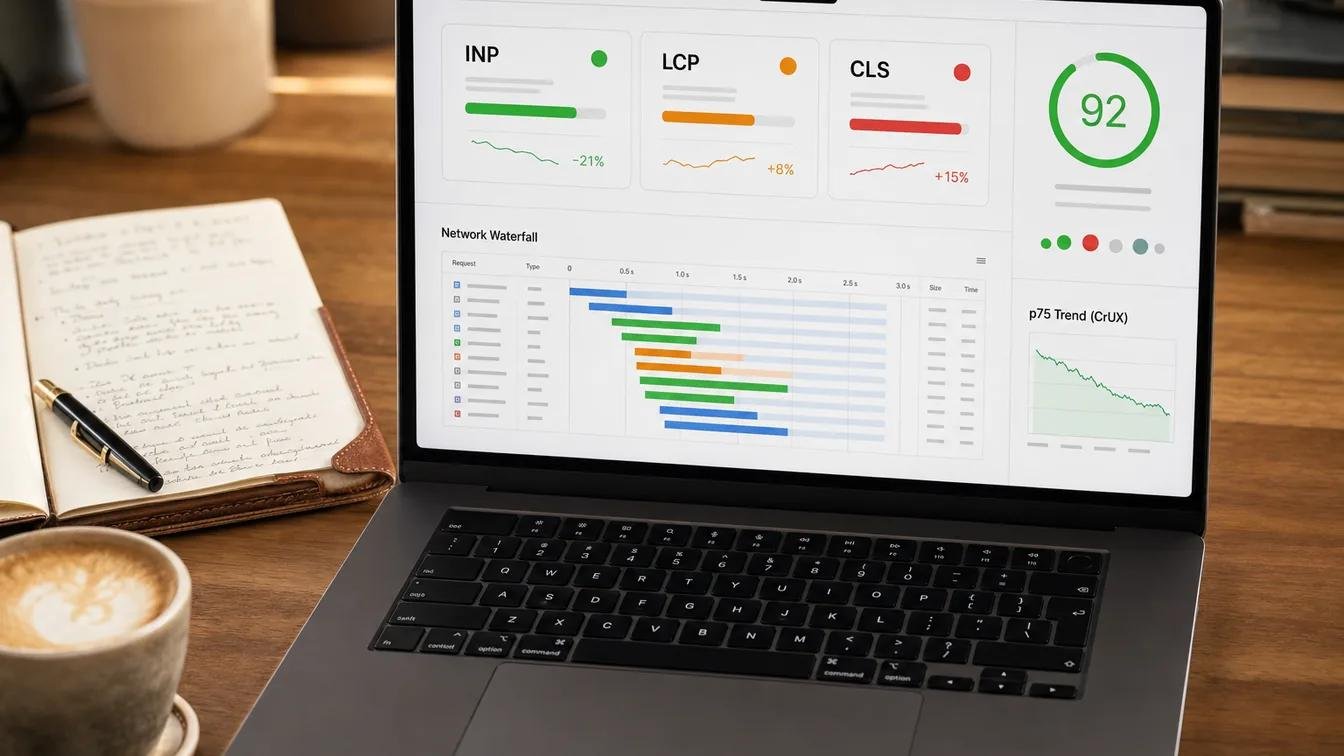
Website speed affects the experience visitors have when accessing your content. Slow pages can make it harder for users to find information, navigate between services, and complete enquiry forms.
Common causes include oversized images, unnecessary JavaScript, excessive third-party scripts, poorly optimized server requests, and render-blocking resources.
How to fix it
Start by testing important pages, especially your homepage, main service pages, and contact page.
Consider these improvements:
-
Compress images and serve appropriately sized versions.
-
Use modern image formats such as WebP where suitable.
-
Implement lazy loading for below-the-fold images.
-
Reduce unnecessary JavaScript and CSS.
-
Remove unused plugins, scripts, and external resources.
-
Enable suitable browser caching and server-side caching.
-
Review hosting performance and database queries.
-
Measure Core Web Vitals and real-user performance where available.
Google PageSpeed Insights can help identify performance issues and recommend improvements.
Do not focus only on achieving a perfect performance score. Prioritize issues that meaningfully affect loading, responsiveness, visual stability, and the user journey.
4. Your Calls to Action Are Weak or Difficult to Find
A call to action, or CTA, tells visitors what to do next.
Without clear guidance, visitors may read your content but leave without taking action. Even interested customers may not know whether to call, request a quote, book a consultation, or fill out a form.
How to fix it
Use clear, descriptive CTAs that match the page's purpose.
Examples include:
-
Request a Quote
-
Discuss Your Project
-
Book a Consultation
-
Get a Website Audit
-
Contact Our Team
Place the primary CTA where visitors can easily find it, such as near the top of a service page and again after relevant information.
Use supporting CTAs where they make sense, but avoid overwhelming visitors with multiple competing buttons.
For mobile visitors, a visible call or enquiry option may be helpful. Make sure it does not cover important content or interfere with navigation.
5. Your Website Does Not Build Enough Trust
People may hesitate to contact a business if they cannot find convincing evidence that it is credible and capable of delivering the promised service.
A visually attractive website is not enough if it contains little information about the business, its experience, or how it works with clients.
How to fix it
Build trust with accurate, verifiable information.
Consider including:
-
A clear About Us page
-
Detailed service descriptions
-
Genuine portfolio projects or case studies
-
Client testimonials published with permission
-
Relevant certifications or qualifications
-
A professional contact page
-
Clear project processes and deliverables
-
Privacy information and appropriate terms
If your business is new and you do not yet have many testimonials or completed projects, do not invent them. Explain your development process, technical capabilities, communication approach, and project expectations honestly.
Trust grows when the information on your website matches the experience customers receive.
6. Your Service Pages Do Not Answer Customer Questions
A service page that contains only a few general sentences may not provide enough information for a potential customer to make an enquiry.
Visitors often want to understand what is included, who the service is suitable for, how the process works, and what they need to prepare before getting started.
How to fix it
Create a dedicated page for each major service and answer the questions that matter to your audience.
For example, a website development page could explain:
-
The types of websites you build
-
Your design and development process
-
Important features and integrations
-
Mobile responsiveness and performance
-
Content and SEO considerations
-
Project milestones and client responsibilities
-
Maintenance and post-launch support
-
How customers can request an estimate
Include relevant examples and practical explanations instead of repeating generic marketing statements.
You can also publish helpful articles that answer common customer questions and link them to the appropriate service pages.
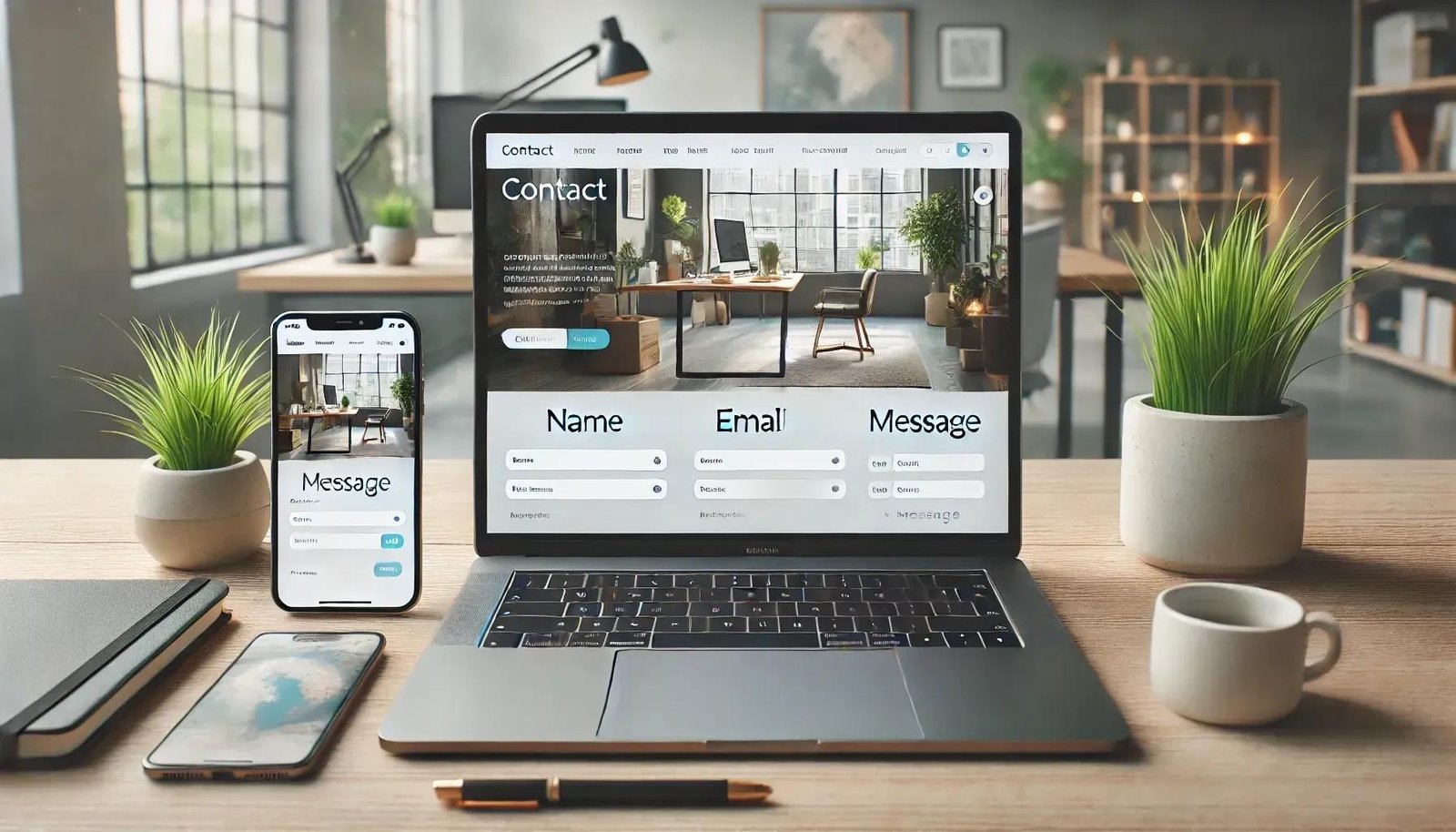
7. Your Contact Form Is Too Long or Does Not Work Properly
A contact form is often the final step between an interested visitor and a new business enquiry. If the form is confusing, asks for too much information, or fails to submit correctly, potential leads may be lost.
Technical problems can also go unnoticed if nobody regularly tests the form.
How to fix it
Ask only for the information needed to begin a useful conversation.
A basic project enquiry form may include:
-
Name
-
Business email or phone number
-
Service required
-
A short description of the project
You can request additional details later when necessary.
Also check that:
-
Required fields are clearly identified.
-
Error messages explain how to correct a problem.
-
The submit button provides feedback.
-
Successful submissions are stored or delivered correctly.
-
Email notifications reach the intended recipient.
-
Spam protection does not block genuine enquiries.
-
The form works on mobile devices.
-
Personal information is handled appropriately.
Test the complete journey yourself, including the confirmation message and the delivery of the enquiry.
8. Your Website Attracts the Wrong Audience
More website traffic does not automatically mean more customers.
If your pages attract visitors who are looking for something different from what your business offers, enquiries may remain low even when traffic increases.
For example, a software development company may attract readers searching for free coding tutorials, while its commercial services are aimed at businesses looking for a development partner.
Informational traffic can still be valuable, but it should not be confused with high-intent service traffic.
How to fix it
Align your content with the people you want to serve.
-
Identify the problems your ideal customers are trying to solve.
-
Create service pages around specific business needs.
-
Use relevant search terms naturally in page titles and headings.
-
Publish educational articles that support your services.
-
Link useful articles to relevant service pages.
-
Review search queries and landing-page performance.
-
Avoid targeting keywords that have little connection to your offerings.
For a software development business, topics about app planning, website redesign, custom software, and project requirements may connect more directly to potential service enquiries than unrelated technology news.
9. Your Website Is Not Optimized for Search Engines
If potential customers cannot discover your website when searching for relevant services, you may be missing opportunities to reach them.
Search engine optimization helps search engines understand your pages and helps people find useful content that matches their needs. However, SEO does not guarantee rankings or immediate leads.
How to fix it
Start with the fundamentals:
Optimize page titles and descriptions. Give each important page a distinct, descriptive title and a useful meta description.
Use clear page structure. Organize content with meaningful headings and logical sections.
Create helpful service content. Explain your services, target customers, process, and areas of expertise.
Improve internal linking. Link relevant articles to the service pages they support.
Check technical accessibility. Review indexing, canonical URLs, robots directives, XML sitemap accessibility, and broken links.
Monitor performance. Use Google Search Console to review search queries, impressions, clicks, and indexing issues.
Keep content useful. Publish information that addresses genuine customer questions instead of producing pages primarily to repeat keywords.
If you serve customers in particular locations, provide accurate business information and consider whether local SEO is relevant to your business model.
10. You Are Not Measuring What Visitors Do
Without measurement, it can be difficult to determine why a website is not generating enquiries.
You might see an increase in traffic without knowing which pages contribute to business results. Alternatively, your website may receive qualified visitors, but a broken form or confusing user journey could prevent them from contacting you.
How to fix it
Set up suitable analytics and conversion tracking.
Useful metrics may include:
-
Relevant website visits
-
Traffic sources and landing pages
-
Clicks on phone numbers and email links
-
Contact form submissions
-
Quote requests and consultation bookings
-
Conversion rate by landing page
-
Qualified leads by source
-
Lead-to-customer rate, when you can measure it reliably
A conversion rate can be calculated as:
Conversion rate = (Number of conversions ÷ Number of visitors) × 100
For example, if 500 visitors arrive during a reporting period and 10 submit a valid enquiry, the enquiry conversion rate is 2%, using visitors as the denominator.
This is an illustrative calculation, not a recommended benchmark. Your results will depend on your industry, traffic quality, offer, and measurement method.
Define what counts as a meaningful conversion before interpreting the numbers. A button click is not necessarily the same as a successfully submitted enquiry or a qualified sales lead.
How to Diagnose Your Website's Lead Generation Problems
Before redesigning your entire website, investigate where potential customers may be dropping off.
| What you observe | What to investigate |
|---|---|
| Very little relevant traffic | SEO, search visibility, referrals, and marketing channels |
| Visitors leave quickly | Message clarity, page relevance, speed, and mobile experience |
| Service pages receive visits but few enquiries | Service content, trust signals, CTAs, and offer clarity |
| Contact forms are started but not completed | Form length, usability, validation, and technical errors |
| Many enquiries are irrelevant | Audience targeting, service messaging, and traffic sources |
| Leads arrive but rarely become customers | Lead quality, response time, pricing fit, and sales process |
These patterns are starting points for investigation, not proof of a particular cause. Use analytics, testing, and customer feedback to identify the actual issue.
A Practical Website Lead Generation Checklist
Review your website using the following checklist:
-
Your homepage clearly explains what your business does.
-
Visitors can identify your main services quickly.
-
Your website works properly on mobile devices.
-
Important pages load without unnecessary delays.
-
Primary calls to action are easy to find.
-
Service pages answer common customer questions.
-
Your website provides genuine trust signals.
-
Contact forms work and enquiries reach your team.
-
Important pages have descriptive titles and useful content.
-
Relevant pages link to one another naturally.
-
Analytics and important conversions are measured.
-
Someone regularly reviews and responds to new enquiries.
You do not need to fix every issue simultaneously. Start with problems that prevent visitors from understanding your offer, using your website, or contacting your business.
Should You Improve Your Existing Website or Build a New One?
Not every website that underperforms needs a complete redesign.
If your current website has a sound technical foundation, clear service pages, and a manageable design, targeted improvements may be sufficient. You might need to improve page speed, rewrite key content, simplify forms, strengthen CTAs, or fix tracking.
A redesign or redevelopment may be worth considering when:
-
The website is difficult to maintain.
-
The layout consistently fails on mobile devices.
-
Important features or integrations no longer work.
-
The technical structure creates persistent performance or security problems.
-
Your business offerings have changed substantially.
-
The current design makes it difficult to explain your services clearly.
-
You cannot reliably track or manage customer enquiries.
Evaluate the existing website before committing to a full rebuild. A clear assessment can help you decide where to invest first.
How India Technology Solutions Can Help
Your website should support your business goals by helping the right people discover your services, understand your value, and take the next step.
At India Technology Solutions, we work with businesses to plan and develop digital solutions around their needs. Depending on your requirements, improving your website may involve responsive design, better service-page structure, performance optimization, enquiry-form improvements, or search visibility.
Explore our services:
-
Website Design and Development — for businesses that need a professional, responsive website.
-
Digital Marketing — for businesses looking to improve their online marketing approach.
-
SEO and PPC — for search visibility and paid search campaigns.
Is your website getting visitors but not enough enquiries? Contact India Technology Solutions to discuss your website, identify areas for improvement, and explore a practical plan for generating more relevant business enquiries.
Frequently Asked Questions
1. Why is my business website getting traffic but no leads?
Your website may attract visitors who are not looking for your services, or visitors may struggle to understand your offer, trust your business, navigate the site, or complete the contact process. Review traffic quality, landing pages, calls to action, contact forms, and conversion tracking to identify the likely cause.
2. How can I generate more leads from my website?
Start by clearly explaining your services, improving the mobile experience, making contact options easy to find, creating useful service pages, building trust, and testing your forms. Measure meaningful enquiries and use the results to prioritize improvements.
3. Does website design affect lead generation?
Yes. Design can affect how easily visitors understand your services, navigate your pages, find important information, and complete an enquiry. However, effective lead generation also depends on content, traffic quality, trust, the offer, and follow-up.
4. How important is website speed for generating leads?
Speed contributes to the user experience, particularly when visitors access your site on mobile devices or slower connections. Improving loading and responsiveness may help remove barriers, but speed alone does not guarantee more enquiries.
5. Should I redesign my website if it is not generating enquiries?
Not necessarily. First investigate the main problem. If the site has a sound foundation, targeted improvements may be more appropriate. A redesign may be justified when the existing layout, technology, usability, or maintenance limitations prevent your business from meeting its goals.
6. What should a business website contact form include?
Include only the details needed to begin a useful conversation, such as a name, contact information, service interest, and a short project description. Test form validation, successful submission, spam protection, and notification delivery.
7. How long does it take to improve website lead generation?
The timeline depends on the issues being addressed. Fixing a broken form may have an immediate effect on whether enquiries can be submitted. SEO, content improvements, and broader conversion optimization usually require ongoing measurement and refinement. Results are not guaranteed and should be evaluated against a baseline.
8. Can SEO help my website generate more enquiries?
SEO can help relevant users discover your business through search engines. To support lead generation, the traffic must match your services, and your landing pages should provide useful information and a clear next step. Search visibility alone does not guarantee leads.
9. What is a good website conversion rate?
There is no single conversion rate that is appropriate for every business. Results vary by industry, audience, traffic source, offer, and what you count as a conversion. Establish a reliable baseline and focus on improving qualified enquiries and business outcomes over time.
10. How do I know whether my website is generating qualified leads?
Track enquiries and, where practical, record which ones match your target customers and become genuine sales opportunities. Connect website analytics with your enquiry management or CRM process when possible, and review lead quality alongside traffic and conversion metrics.